STARTER12device slots
Solo Box
For operators proving their first reliable multi-device playbook.
- 12-position managed rack
- Active cooling layout
- Numbered cable map
- Remote setup guide
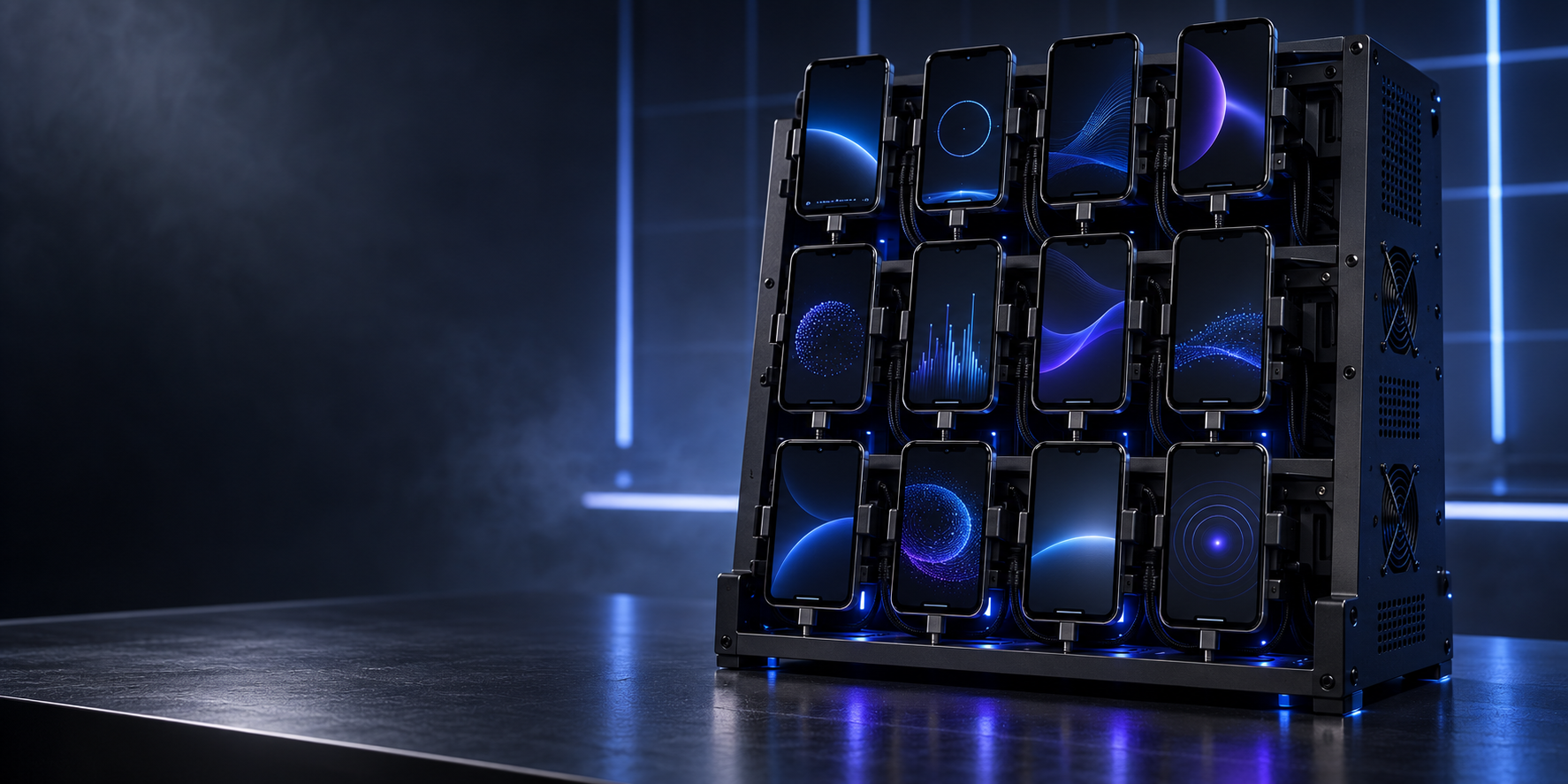
Add a configured phone box when you want organized power, data, airflow, and cable mapping. Already own devices and racks? Use them. RookFleet software works either way.
Each configuration is planned around serviceability: visible labels, replaceable data paths, active airflow, and enough room to diagnose one device without disturbing the rest.
For operators proving their first reliable multi-device playbook.
Balanced capacity for agencies, studios, and multi-account teams.
For teams with proven workflows, ownership, and support processes.
Final hardware scope and pricing depend on device models, whether phones are supplied, region, power standard, and shipping destination.
A dependable fleet depends on four physical layers working together. We configure those layers around the devices you plan to operate.
Plan total draw, circuit headroom, charger capacity, and service zones so a single failure does not become a mystery.
Create a clear intake and exhaust path, leave service clearance, and monitor heat before increasing density.
Use data-rated paths, appropriate hub capacity, stable host connections, and a layout that makes disconnects easy to isolate.
Label both ends, map every position to its device serial, and keep replaceable looms accessible for fast maintenance.
Capacity is only useful when your team can monitor and maintain it.
We confirm what you already own before recommending more equipment.
Count phones, list models, and identify the host computer and current rack equipment.
Choose capacity, power standard, cooling plan, cable map, and whether devices are supplied.
Assemble the physical system and map each slot to a known Android serial.
Connect RookFleet, dry-run one workflow, then expand in measured batches.
The software and hardware are intentionally separate, so you only buy what your operation needs.
No. RookFleet can control compatible Android devices you already own through ADB.
Not automatically. Your final quote states whether it includes only the rack, power, cooling, and cabling—or supplied phones as well.
Often, yes. We review dimensions, charging requirements, Android versions, and cable ports before confirming the layout.
Power standards, phone supply, freight, import costs, and device geometry vary by region and configuration.
Software access is purchased separately by connected-device tier. This keeps the license portable if you change hardware.
Yes. Start with a stable module, preserve your naming and cable map, then add capacity after the workflow is proven.
Start with RookFleet access, or use the plan finder to scope software and optional hardware together.